

Table of Contents
- What Is Local Search?
- How Local Search Rankings Work
- Start With an Accurate Google Business Profile
- Keep Your Business Information Consistent
- Build a Website That Supports Local Search
- Create Content Around Real Customer Questions
- Use Location Pages Carefully
- Make Reviews Part of Customer Service
- Add Useful Business Photos
- Use Local Business Structured Data Correctly
- Make Your Website Easy to Use on Mobile
- Build Local Authority Naturally
- Track Business Results, Not Only Rankings
- A Simple Local Search Workflow
- Common Local Search Mistakes
- Local Search Checklist
- Local Search Is About Being Relevant
- Final Thoughts
- What is local search?
- What affects local search rankings?
- Do I need a Google Business Profile?
- Does structured data guarantee better rankings?
- Should I create a page for every city?
In this comprehensive guide, you will learn the core foundations of local search engine optimization, how search engines rank local businesses based on relevance, distance, and prominence, and actionable steps to help your business get found online. Whether you run a local storefront or manage service-area operations, mastering local search is the key to driving high-intent traffic, increasing footfall, and turning local searches into loyal customers. Let’s dive into what local search is and how you can optimize your business for maximum visibility.
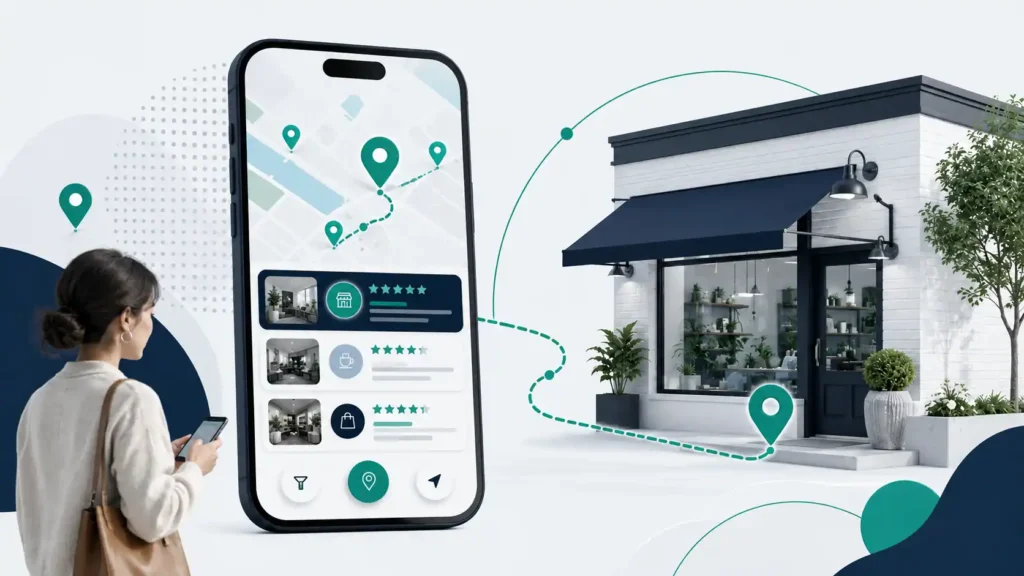
When people search for a business near them, they usually want a quick answer.
They may search for:
- Best coffee shop near me
- Dentist in Miami
- Emergency plumber nearby
- Hair salon open now
- SEO agency in Dallas
These are all examples of local search.
For a local business, appearing in the right search results can help potential customers find important information. This may include the business location, opening hours, phone number, services, and website.
However, local search is not about repeating a city name throughout a page.
Instead, it is about making your business easy to understand.
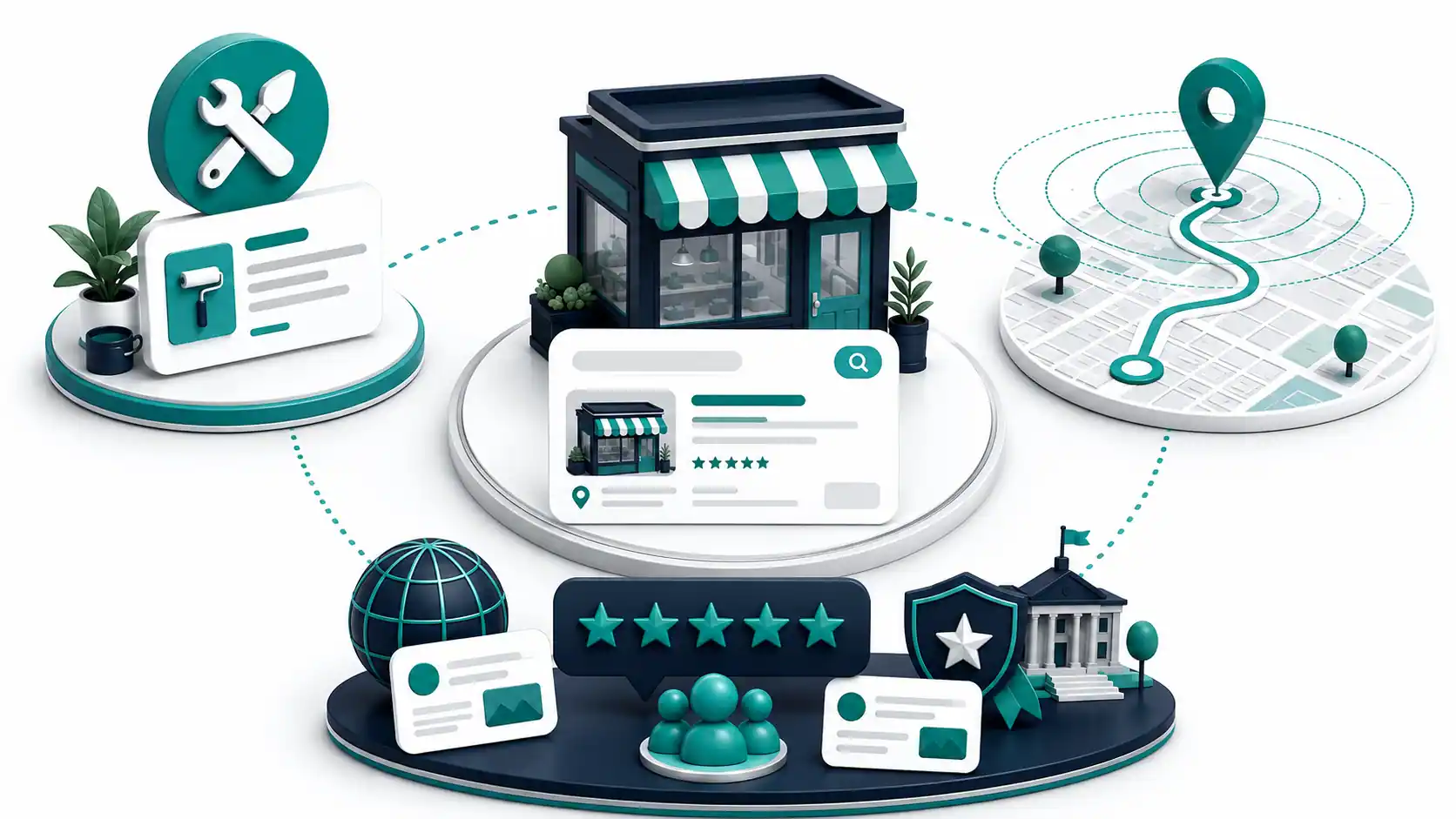
Google explains that local results are mainly based on relevance, distance, and prominence. These factors work together to help Google find useful results for a search.
This guide explains how local search works and what businesses can do to build a stronger local presence.
What is local search?
Local search happens when someone looks for a business, service, or place in a specific area.
Sometimes, the person includes a location in the search.
For example:
“Italian restaurant in Chicago”
However, a person may also search without naming a city.
For example:
“restaurants near me”
In that case, the search can still have local intent.
Google uses business information from business owners, public web content, licensed third parties, and user contributions to help surface relevant local results across Search and Maps. Google explains these information sources and their use in local results.
Therefore, your local search strategy should not depend on only one platform.
Your website matters.
Your business information matters.
Customer reviews can also matter.
Most importantly, the information should accurately represent the real business.
How Local Search Rankings Work
Google does not publish a simple formula for local rankings.
However, Google identifies three main factors that influence local results:
- Relevance
- Distance
- Prominence
Let’s look at each one.
Relevance
Relevance means how well a business matches what someone is searching for.
For example, imagine that someone searches for:
“emergency plumber near me”
Google needs information that helps it understand which businesses offer emergency plumbing services.
Therefore, your business information should clearly explain what you do.
Include accurate details about:
- Your business category
- Your main services
- Your products, if relevant
- Your opening hours
- Your location
- Your contact details
Complete information can help both customers and search engines understand your business better.
Distance
Distance refers to how far a business is from the person searching.
This factor is especially important for searches such as:
- Restaurant near me
- Pharmacy nearby
- Car repair near me
You cannot simply add more keywords to remove the effect of distance.
Instead, focus on the areas you genuinely serve.
For example, a business in one part of a city should not pretend to operate from ten other locations.
Accuracy is more useful than exaggeration.
Prominence
Prominence relates to how well-known or established a business appears.
Google may use information from across the web when evaluating local results.
This can include links and reviews.
However, prominence does not mean you should buy hundreds of random backlinks.
Instead, focus on building a genuine business presence.
Google also states that there is no way to request or pay for a better local ranking.
Start With an Accurate Google Business Profile
For eligible businesses, a Google Business Profile can be an important part of a local search strategy.
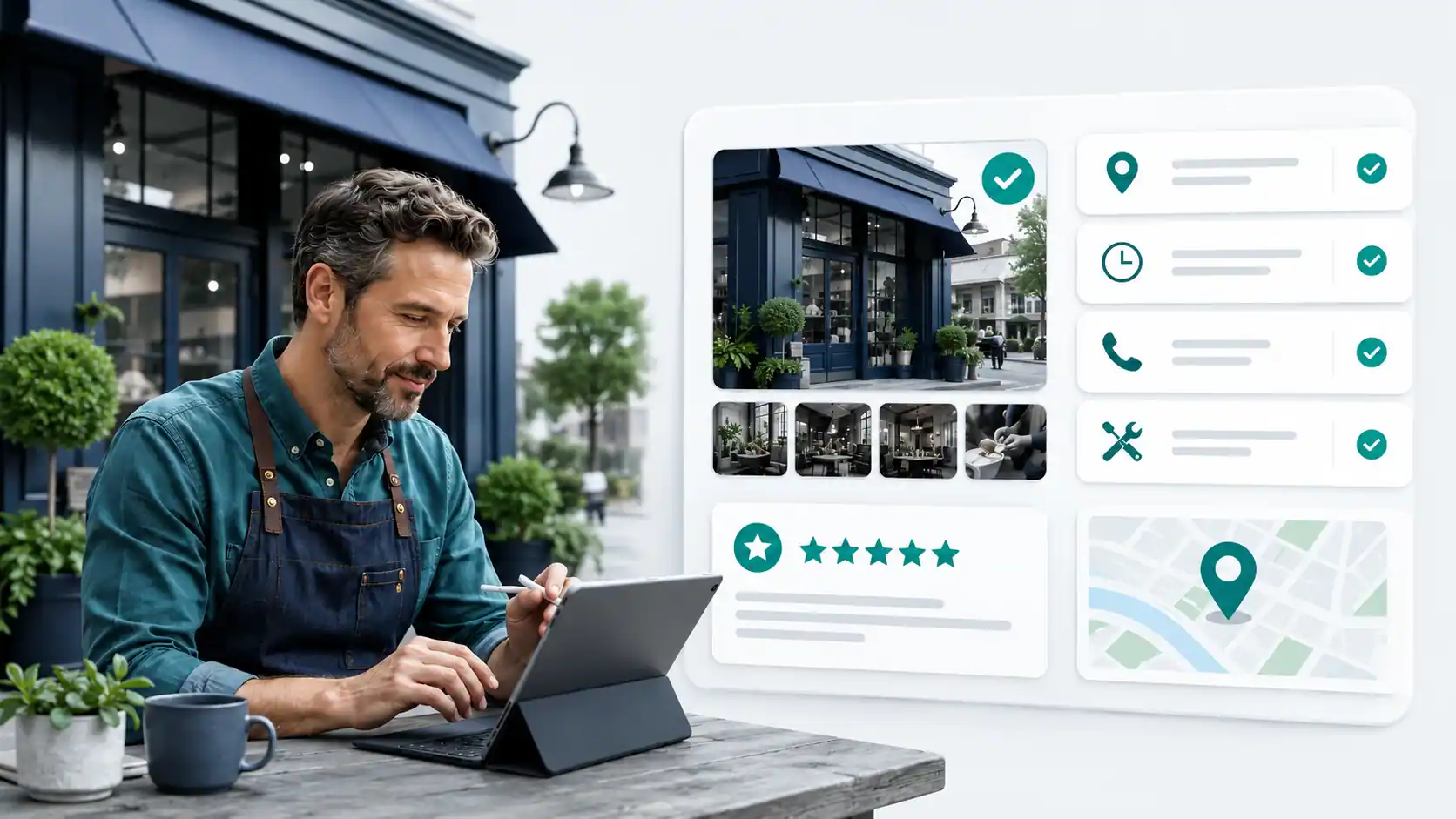
It allows a business to manage important information that may appear on Google Search and Google Maps.
This information can include:
- Business name
- Address
- Phone number
- Website
- Opening hours
- Business category
- Photos
- Services
The first goal should always be accuracy.
Do not add keywords to the business name unless they are part of the real business name.
Do not use a false address.
Also, do not create multiple profiles for the same location without a valid reason.
Google’s guidelines require businesses to represent themselves accurately in the real world.
For more details, read Google’s official guidance on improving local rankings.
Keep Your Business Information Consistent
Imagine a customer finding two different phone numbers for the same business.
They may not know which number to call.
The same problem can happen with incorrect addresses or opening hours.
Therefore, review your important business information regularly.
Check your:
- Website
- Google Business Profile
- Social media profiles
- Important industry directories
- Local business listings
For a physical business, the most important information usually includes:
Business Name + Address + Phone Number
The goal is not to submit your business to hundreds of low-quality directories.
Instead, focus on the places that are relevant to your customers and industry.
Accuracy should come before quantity.
Build a Website That Supports Local Search
A Google Business Profile is useful, but it cannot replace a well-built website. Our SEO strategies guide explains how search intent, technical health, internal linking, and page experience support visibility beyond local listings.
Your website gives you more control over your information.
It can explain:
- What your business does
- Which services you offer
- Where you operate
- How customers can contact you
- What customers should expect
A good local website should answer important questions quickly.
For example, a plumbing company could create separate pages for:
- Emergency plumbing
- Drain cleaning
- Leak repair
- Water heater repair
- Residential plumbing
- Commercial plumbing
Each page should provide useful information. For a practical service-business example, see our guide to digital marketing for plumbers, which covers websites, reviews, PPC, and other ways a local company can attract customers online.
Do not simply create a page and repeat the same paragraph several times.
Instead, explain the service clearly.
Tell the reader what the service involves.
Also, explain when they may need it.
This approach is better for readers and more useful for search engines.
Create Content Around Real Customer Questions
Local content should solve real problems.
Start by thinking about the questions your customers ask.
For example, a dentist might answer questions such as:
- What happens during a first dental visit?
- How often should you visit a dentist?
- What should you do when you have a toothache?
A home repair company might create content about:
- Signs of water damage
- When to call a professional
- Questions to ask before hiring a contractor
You do not need to add a city name to every sentence.
That can make the content sound unnatural.
Instead, focus on the reader first.
Local relevance can come from your services, business information, service areas, and useful local details.
Good content should answer a real question.
That is a better goal than simply trying to rank for a keyword.
Use Location Pages Carefully
Location pages can be useful.
However, they should only exist when they provide real value.
For example, a restaurant with three genuine locations can create a separate page for each location.
Each page can include:
- The correct address
- Opening hours
- Contact details
- Directions
- Location-specific photos
- Services available at that location
This information helps customers.
However, there is a common mistake.
Some websites create dozens of pages that are almost identical.
The only difference is the city name.
For example:
- Plumber in Houston
- Plumber in Dallas
- Plumber in Austin
If every page contains the same information, the pages may not provide much value.
Before creating a location page, ask one simple question:
Will this page help the customer in a way that another page does not?
If the answer is no, you may not need another page.
Make Reviews Part of Customer Service
Reviews can influence how people view a business.
They can also show you what customers like and where improvements are needed.
Google’s review-management guidance recommends helpful, positive replies because they show customers that the business is responsive.
The best way to earn reviews is simple.
Provide a good customer experience.
Then make it easy for real customers to share their feedback.
Avoid:
- Buying reviews
- Writing fake reviews
- Asking employees to pose as customers
- Creating fake accounts
- Pressuring customers to leave only positive reviews
Authenticity matters.
You should also respond professionally to negative reviews.
Do not argue publicly.
Instead, try to understand the problem.
Then provide a helpful response where appropriate.
Add Useful Business Photos
Photos can help customers understand your business before they contact or visit you.
Depending on the business, useful photos may include:
- Storefront images
- Interior photos
- Products
- Team members
- Completed work
- Equipment
- Menu items
- Real examples of your services
Whenever possible, use authentic images.
Real photos can show customers what the business actually looks like.
Google allows businesses to add photos and videos to Business Profiles, and its photo guidelines recommend images that are in focus, well lit, and representative of reality.
Do not upload random images simply to make a profile look active.
Every image should help the customer understand something about the business.
Use Local Business Structured Data Correctly
Structured data gives search engines more explicit information about a page.
For local businesses, Google supports Local Business structured data.
It can provide information about details such as:
- Business name
- Address
- Phone number
- Opening hours
- Website
- Business type
Google recommends using the most specific Local Business subtype that applies to the business when possible.
For example, a restaurant should use a relevant restaurant type rather than a vague business type when the more specific option applies.
Structured data is not a ranking shortcut and does not guarantee higher rankings or a rich result. Google’s LocalBusiness documentation explains the supported properties, while its general structured data guidelines explain eligibility and search-appearance limitations. The markup must accurately match the business information visible on the page.
Make Your Website Easy to Use on Mobile
Many local searches happen on mobile devices.
A person may be looking for a nearby business while traveling.
They may also need a phone number quickly.
Therefore, your website should be easy to use on a small screen.
Test your website yourself.
Try to:
- Find the phone number
- Read the opening hours
- View the services
- Submit a form
- Request directions
- Make an appointment
Do not only check how the website looks.
Check how it works.
For example, if a customer wants to call you, the phone number should be easy to find.
If they want to book an appointment, the process should be clear.
Every unnecessary step can create friction.
A simple website can often provide a better user experience than a complicated one.
Build Local Authority Naturally
Links can be part of how a business becomes known online.
However, not every backlink is useful.
Avoid buying large numbers of low-quality links.
Instead, look for genuine opportunities.
These may include:
- Local organizations
- Industry associations
- Community events
- Relevant charities
- Local news coverage
- Educational institutions
- Business partnerships
The best links usually have a real reason to exist.
For example, if your business sponsors a local event, the event website may naturally mention your business.
That is very different from posting the same link on hundreds of unrelated websites.
Build relationships first.
Links should be a result of genuine activity.
Track Business Results, Not Only Rankings
Rankings can be useful to monitor.
However, they should not be your only measurement.
A keyword ranking does not automatically mean more customers.
Therefore, track actions that matter to the business.
Depending on the business model, these may include:
- Website visits
- Phone calls
- Form submissions
- Appointment requests
- Direction requests
- Online orders
- Qualified leads
Look at the full customer journey.
For example, a page may receive fewer visits but generate more leads.
That page could be more valuable than a page with high traffic and no conversions.
Therefore, focus on meaningful outcomes.
A Simple Local Search Workflow
You do not need to change everything at once.
Instead, follow a clear process.
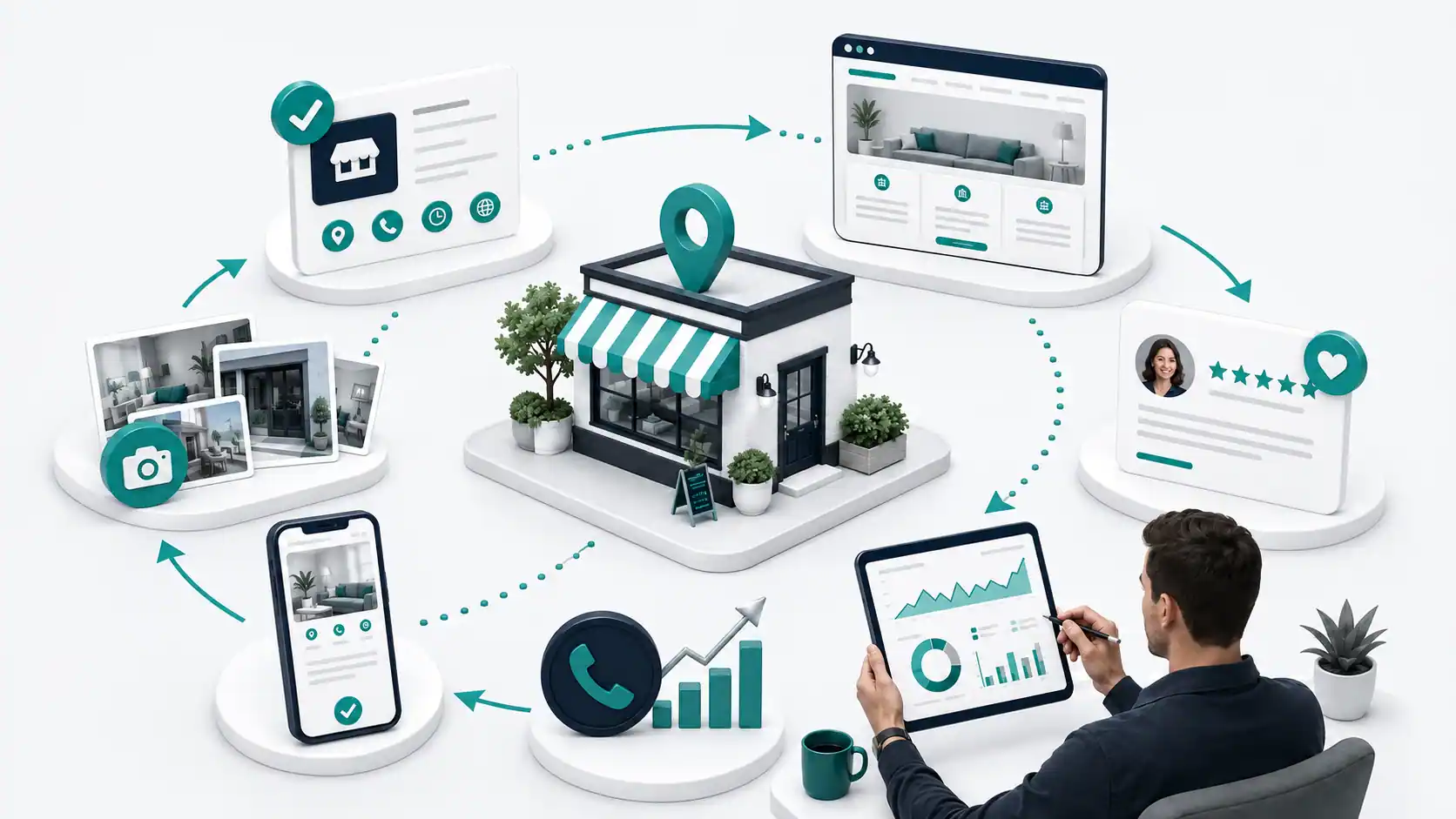
Step 1: Check Your Business Information
First, review:
- Business name
- Address
- Service area
- Phone number
- Website
- Opening hours
Correct any obvious mistakes.
Step 2: Review Your Google Business Profile
Before making changes, review Google’s Business Profile guidelines to ensure the profile accurately represents the real-world business.
Step 3: Review Your Website
Ask these questions:
- Is it clear what the business does?
- Can visitors find the main services?
- Is the contact information easy to find?
- Are the service areas clear?
- Does the website work well on mobile?
Fix the biggest problems first.
Step 4: Improve Important Service Pages
Focus on the services that matter most to the business.
Add useful information.
Explain the service clearly.
Answer common customer questions.
Avoid adding keywords where they do not make sense.
Step 5: Review Customer Feedback
Customer reviews can reveal useful information.
Look for repeated questions.
Also, look for common complaints.
These may show problems with:
- Your website
- Your communication
- Your service process
- Customer expectations
Use this information to improve.
Step 6: Measure Results
Finally, monitor the results over time.
Do not change everything on the same day.
Make a change.
Then review what happens.
This makes it easier to understand which improvements are helping.
Common Local Search Mistakes
Creating Fake Locations
Do not create profiles for places where the business does not genuinely operate.
Google requires accurate representation of real businesses and locations.
Adding Keywords to the Business Name
Your business name should reflect the real-world business name.
Do not add extra services or city names simply to target keywords.
Creating Thin Location Pages
Avoid creating many pages with the same content.
Changing only the city name does not create useful information.
Ignoring Customer Reviews
Reviews can provide important feedback.
Ignoring them completely may mean missing problems that affect the customer experience.
Using Low-Quality Backlinks
More backlinks do not always mean better results.
Focus on relevance and genuine relationships.
Forgetting About the Website
Your Business Profile is important.
However, customers may still visit your website before contacting you.
Make sure the website gives them the information they need.
Local Search Checklist
Use this checklist before publishing or updating your local SEO strategy.
Business Information
- Business name is accurate
- Address or service area is correct
- Phone number is current
- Opening hours are updated
- Website information is accurate
Google Business Profile
- Profile represents the real business
- The correct category is selected
- Services are relevant
- Photos are useful
- Reviews are monitored
Website
- Main services are clearly explained
- Contact information is easy to find
- Important locations are clear
- The website works on mobile
- Location pages provide unique value
Technical Setup
- Important pages are accessible
- Structured data is accurate where used
- Business details match across important pages
Measurement
- Important customer actions are tracked
- Website performance is reviewed
- Business information is checked regularly
Local Search Is About Being Relevant
Local search is not about finding a secret ranking trick. It is about helping search engines and customers understand your business. Start with accurate information. Then build useful service pages.
Make your website easy to use. Keep your business details updated. Also, pay attention to customer feedback.
Google’s local ranking guidance focuses on relevance, distance, and prominence. These factors help its systems identify useful local results.
Therefore, a strong local search strategy should focus on the real business.
Do not try to create a presence that does not exist. Instead, make your genuine business easier to find and understand.
Final Thoughts
A good local search strategy starts with a simple goal:
Make it easy for the right customer to find and understand your business.
Keep your information accurate.
Explain your services clearly.
Make contact details easy to find.
Create useful content.
Use genuine locations.
Finally, focus on customer actions instead of rankings alone.
Local search works best when SEO supports a real business and a real customer need.
FAQs
What is local search?
Local search happens when someone looks for a business, service, or place connected to a specific area or their current location.
What affects local search rankings?
Google identifies relevance, distance, and prominence as key factors in local results.
Do I need a Google Business Profile?
Eligible businesses can use a Google Business Profile to manage important information that may appear on Google Search and Google Maps.
Does structured data guarantee better rankings?
No. Structured data can help Google understand information on a page, but it does not guarantee higher rankings or a specific search appearance.
Should I create a page for every city?
No. Create location pages only when you can provide useful and distinct information for customers. Avoid publishing many pages with nearly identical content.